How to Operate Binance Cryptocurrency Exchange: A Step-by-Step Beginner's Guide

Binance is one of the largest and most popular cryptocurrency exchanges in the world. If you are new to digital assets and wondering how to operate Binance, this guide will walk you through the essential steps. From account registration to making your first trade, understanding the platform’s key features is crucial for a smooth experience.
First, you need to create a Binance account. Visit the official Binance website or download the mobile app. Click on "Register" and provide your email address or phone number. Create a strong password and agree to the terms of service. Binance will send a verification code to your email or phone. After entering the code, you must complete identity verification (KYC) to unlock higher withdrawal limits and full trading features. This involves uploading a government-issued ID and a selfie for facial recognition.
Once your account is verified, you should enable two-factor authentication (2FA) for security. Go to the security settings and link your account to an authenticator app like Google Authenticator. This extra layer of protection helps prevent unauthorized access to your funds.
Next, you need to deposit funds. Log in to your Binance account and navigate to the "Wallet" section, then select "Deposit." You can deposit cryptocurrencies or fiat money. If you are depositing crypto, you will receive a deposit address. Copy this address and use it to send coins from another wallet or exchange. For fiat deposits, choose your local currency and payment method, such as bank transfer or credit card. Follow the on-screen instructions to complete the deposit.
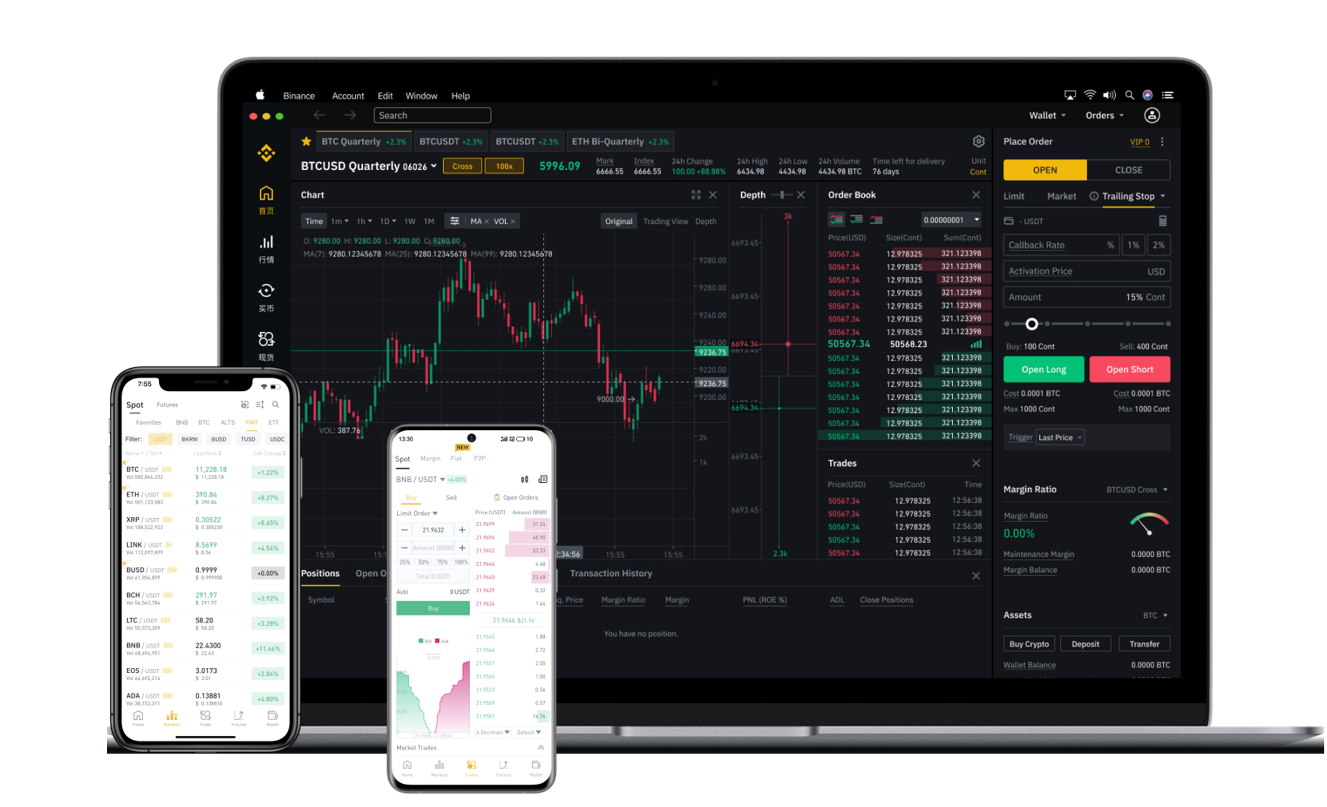
Now you are ready to trade. Binance offers several trading interfaces. The "Spot" trading page is the most common for beginners. Here you will see a trading pair like BTC/USDT. Enter the amount of Bitcoin you want to buy or sell, then choose a price. You can place a "Market" order, which buys or sells immediately at the current market price, or a "Limit" order, which executes only when the price reaches your set level. Review your order and click "Buy" or "Sell." Your order will appear in the open orders section until it is filled.
To manage your assets, go to the "Wallet" section again. You can view your balances, make withdrawals, or transfer funds between your Spot wallet and other Binance wallets like the Funding or Earn wallets. The Funding wallet is used for deposits and withdrawals, while the Spot wallet is for trading. You can also move crypto to the "Earn" section to earn interest through staking, savings, or liquidity farming.
For advanced users, Binance provides additional tools. The "Margin" trading feature allows you to borrow funds to increase your trading position. The "Futures" section lets you trade contracts with leverage. These are high-risk and not recommended for beginners. Always understand the risks before using leverage.
Finally, always keep your funds secure. Never share your private keys or login details. Use the whitelist feature for withdrawal addresses and monitor your account activity regularly. Binance also offers a "P2P" marketplace where you can trade directly with other users using local payment methods. This is useful if you want to avoid bank transfers for buying crypto.
By following these steps, you can effectively operate Binance and start your cryptocurrency trading journey. Remember to start small, learn the platform’s features, and never invest more than you can afford to lose.