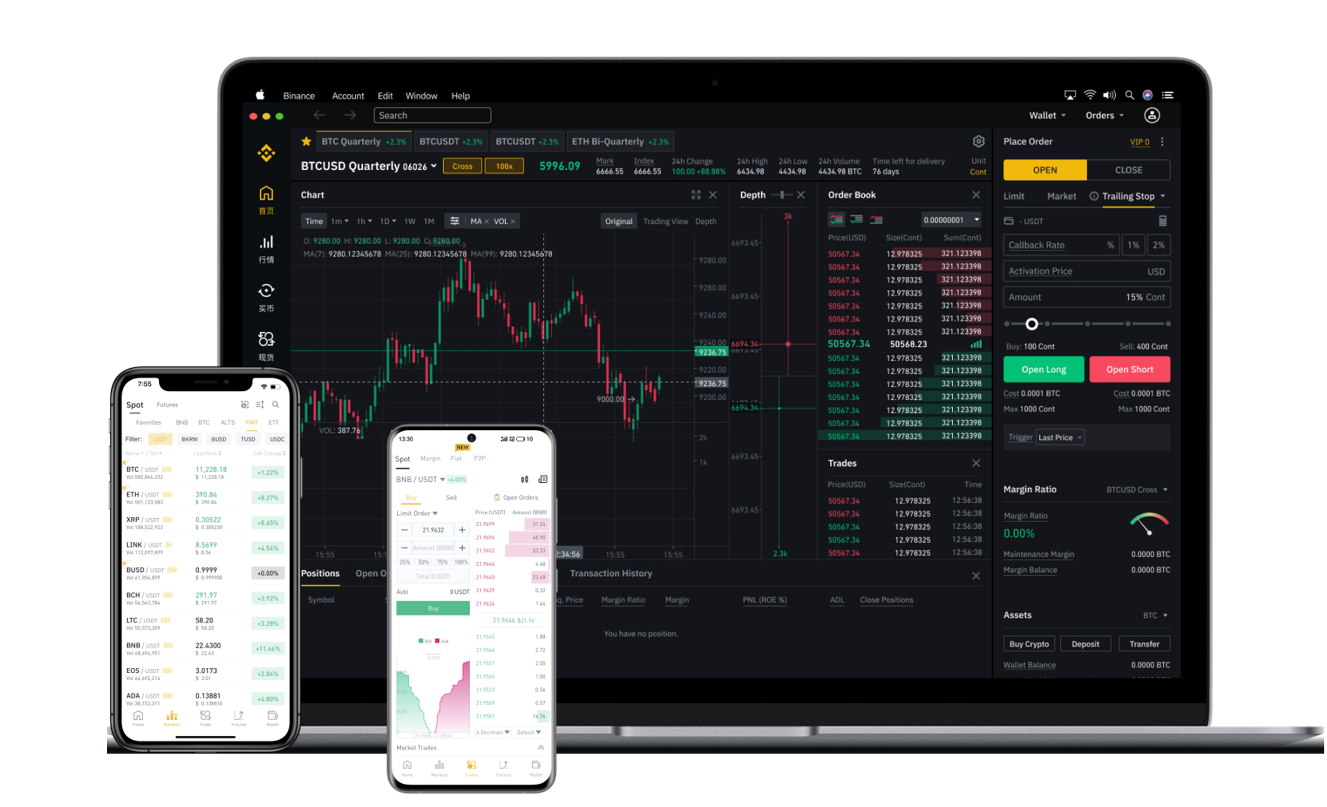
EFI Token Binance Listing: Step-by-Step Guide to Deposit and Trade Efinity on Binance

The Efinity (EFI) token, the native cryptocurrency of the Enjin multi-chain ecosystem, has gained significant attention from traders and blockchain enthusiasts. If you are looking to deposit, trade, or manage your EFI tokens on Binance, the largest cryptocurrency exchange by trading volume, this guide provides a clear, step-by-step breakdown of the entire process.
Step 1: Confirm Binance Support for EFI
Before initiating any transaction, verify that Binance currently supports the EFI token. Although EFI may not always be listed on the main spot market, Binance has historically supported it through specific trading pairs (most commonly EFI/USDT and EFI/BTC). Check the official Binance "Markets" page or search "EFI" in the exchange’s search bar to confirm availability. If EFI is not listed on the spot market, note that it may be available through other means such as Binance Earn or transfer-only modes—confirm the listing status first to avoid wasted gas fees.
Step 2: Prepare Your Binance Account and External Wallet
1. Ensure your Binance account is fully verified (KYC Level 1 or 2) and funded with a small amount of BNB or other base asset for transaction fees.
2. On Binance, navigate to “Wallet” > “Deposit”. Search for “EFI”. If the token appears, Binance will provide a deposit address. This address is typically an ERC-20 address (Ethereum network) because EFI is an ERC-20 token. However, always double-check the network requirement—deposits sent on an unsupported network will be lost permanently.
3. Open your external wallet (e.g., MetaMask, Trust Wallet, or a hardware wallet). Ensure your wallet is connected to the Ethereum mainnet and contains your EFI tokens.
Step 3: Initiate the Transfer from Your External Wallet to Binance
1. In your external wallet, select “Send” or “Transfer”. Enter the Binance deposit address you copied earlier. Paste the address carefully—never type it manually. Always copy and paste, then cross-check the first and last 10 characters.
2. Select the correct network. Since EFI is ERC-20, you must choose the Ethereum network (ETH). If your wallet shows multiple network options (e.g., BSC or Polygon), selecting the wrong network will result in lost tokens. Patience is critical here.
3. Enter the amount of EFI you want to transfer. Binance does not typically impose a minimum deposit limit for EFI, but your external wallet may require a small ETH balance for gas fees. Ensure you have enough ETH to cover the transaction cost.
4. Confirm the transaction. Once broadcasted, the blockchain needs to process it. For Ethereum, this can take 5–30 minutes depending on network congestion. You can track the status via Etherscan using your wallet address.
Step 4: Confirm Receipt on Binance
After the transaction is confirmed on the blockchain, log into your Binance account. Go to “Wallet” > “Deposit History” or “Transaction History”. Look for the EFI deposit line. It may show as “Pending” or “Processing” initially. Once the network reaches the required number of confirmations (usually 12–30), the balance will credit to your Binance spot wallet. Delays sometimes occur due to Binance internal processing, so wait up to 30 minutes before contacting support.
Step 5: Trading EFI on Binance
Once your EFI balance appears in your spot wallet, you are ready to trade. Navigate to the EFI/USDT trading pair (or the available pair). Choose between “Spot” (market/limit orders) or advanced tools. If you are a beginner: use a Limit order to set the price at which you want to sell or buy. This avoids slippage. After your order fills, the EFI or USDT will appear in your spot wallet. From there, you can withdraw, hold, or convert to other assets.
Key Security and Error Prevention Tips
- Never share your Binance deposit address or API keys.
- Always double-check the deposit network (ERC-20). In September 2023, Binance removed support for some networks for certain tokens. Check the official “Deposit Crypto” page inside Binance to see exactly which networks are accepted for EFI.
- If you accidentally send EFI via BSC (BEP-20), Binance may not be able to recover the funds. Most EFI is ERC-20 only. Do not risk this error.
- Use a small test transfer first if you are transferring a large amount of EFI. Send 1 EFI as a test, confirm arrival, then send the remainder.
By following these steps, you can successfully deposit EFI tokens onto Binance and begin trading with confidence. Always stay updated regarding policy changes by reviewing Binance’s official announcements and the Efinity project channel.